
- Utilities
- Unlock
- Data Management
- Multimedia
- Solutions
- Support


With TunesKit iOS System Repair software, you can fix any common iOS/iPadOS issue by yourself without seeking help from an Apple technical specialist. No matter whether your device is stuck in recovery mode, DFU mode, white Apple logo, or has a black, green, frozen, disabled screen, this smart iOS system repair tool will get you out of the trouble and recover your device back to normal quickly.
As a powerful iOS repair tool, TunesKit iOS System Recovery offers three repair modes to fix common and advanced iOS/iPadOS issues quickly, with a success rate of up to 99%.


Securely fix common iOS issues without losing data, such as iPhone stuck on Apple logo, stuck in recovery mode, or black screen. Get your device back to normal at home in minutes.

For more complex errors or Standard Repair fails, Deep Repair restores your device to factory settings for a clean, stable system. (Note: All data will be erased, so a backup is recommended.)

Planning to sell or give away your device? This mode not only fixes severe system issues but also permanently erases all personal data, making it completely unrecoverable.
TunesKit iOS System Recovery makes it simple to upgrade, downgrade, or install iOS beta versions on your iPhone or iPad. Whether you want to update to the latest iOS/iPadOS or roll back to a stable version, you can do it quickly—no jailbreak, no iTunes, and no data loss.
Upgrade to the Latest iOS/iPadOS 27 No Data Loss
Seamlessly update your iPhone or iPad to the latest iOS 27 version without relying on iTunes or a stable Wi-Fi connection. Even if the standard update fails, TunesKit helps you safely install the newest system smoothly while keeping your data safe.

Downgrade to a Previous Signed iOS 26 Version
Having problems after updating to a newer iOS 27 version? TunesKit lets you downgrade iOS to an available signed firmware version in just a few clicks. No jailbreak, iTunes, or technical expertise required.

Try the Latest iOS 27 Beta Features Early
Want early access to new features? Upgrade to the latest iOS 27 beta without joining complicated Apple Developer Program. Explore new updates and test features easily with a safe and streamlined process.

Can't figure out how to put your iPhone or iPad into recovery mode? Does your device get stuck in recovery mode? Thanks to TunesKit iPhone Repair Software, you can enter and exit iPhone recovery mode with 1 click only. No cost at all.
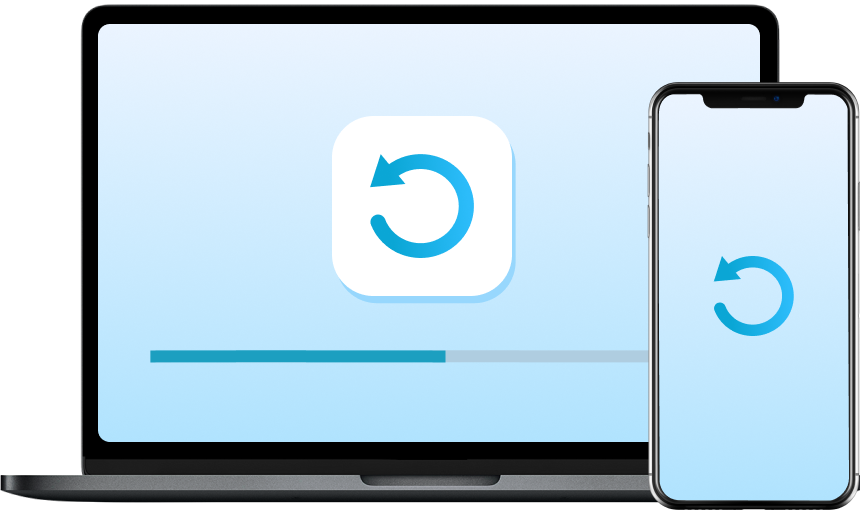
TunesKit iOS System Recovery enables you to fix some software-related iPhone issues by resetting your iOS devices, such as disabled iPhones, unresponsive touchscreens, temperamental apps, and more.

In addition to being a professional iOS system repair tool, TunesKit also works as a free iTunes repair tool. If you run into errors while using iTunes to restore, back up, update, or sync your device, TunesKit can help you fix them at no cost.
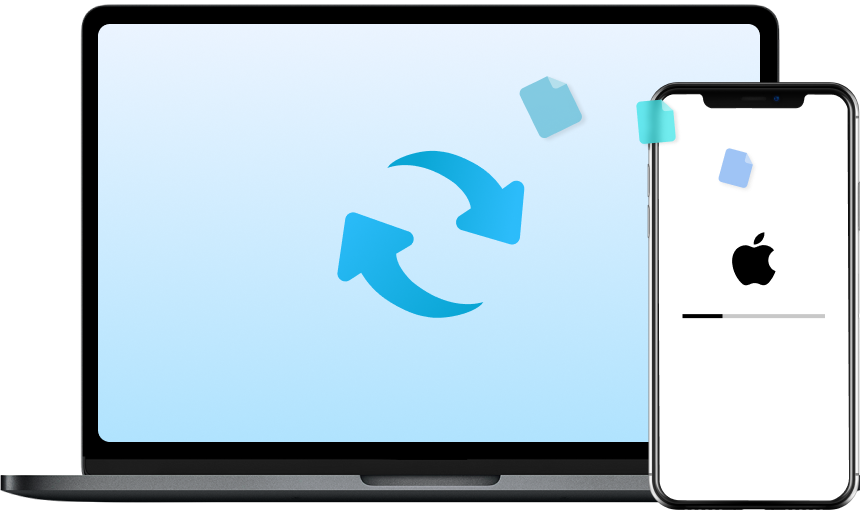
Easily back up your iPhone or iPad data to a computer and restore backups whenever needed. TunesKit helps protect your important data before deep iOS repair, upgrades, or downgrades — without relying on iTunes.

It's fully compatible with the latest iOS 27 and iPhone, iPad, and iPod touch.

Your privacy and data are highly protected during the recovery.

A clean interface makes iOS repair fast, smooth, and beginner-friendly.
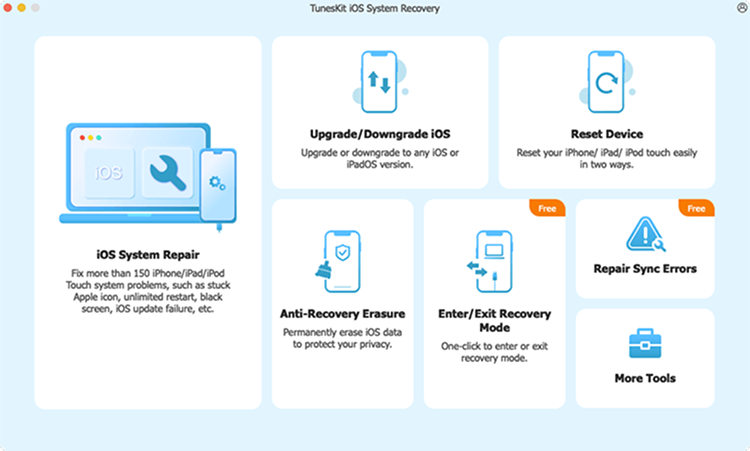
Launch TunesKit iOS System Recovery on your computer and connect iPhone to computer. Choose iOS System Repair.
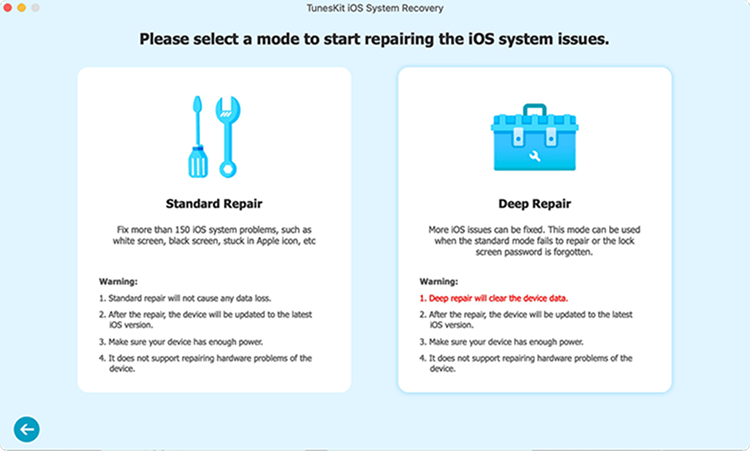
Select Standard Repair mode to fix your iOS system issues without data loss. Confirm your device info.
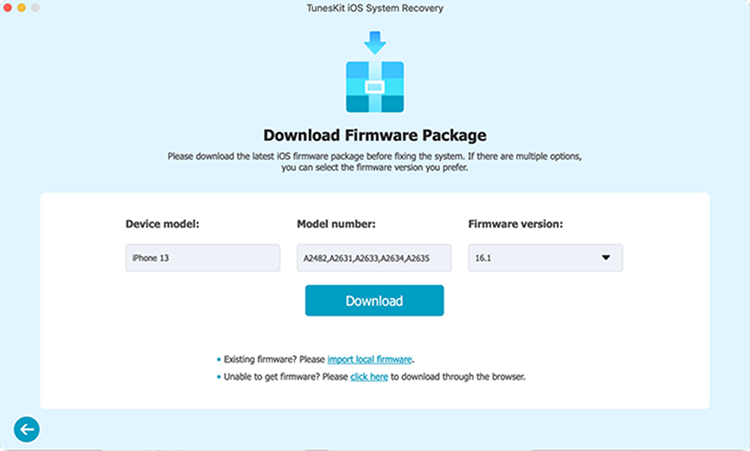
Download the correct firmware package on your computer. Click Repair and wait for the process complete.


"ABSOLUTELY AMAZING product. TunesKit iOS System Recovery not only restored my iPhone which I am SO SO greateful for but it did it on the FIRST TRY and did what iTunes could not do over and over again."
"TunesKit iOS System Recovery works great with all my iOS devices and versions. The whole process was simple, and I didn't need any technical knowledge to fix my iPhone at home."
"TUNESKIT is The best product ever, Another fantastic aspect of TunesKit is its wide range of functionalities. The software is versatile and robust, catering to various needs. The customer support team is also top-notch, always ready to help with any queries or issues."
"This tool is excellent and helped me. My iPhone was stuck on the Apple logo, and it could not do anything, just like a brick. One of my friends asked me to use TunesKit iOS System Recovery, and it did fix the issue."


"This tool is excellent and helped me. My iPhone was stuck on the Apple logo, and it could not do anything, just like a brick. One of my friends asked me to use TunesKit iOS System Recovery, and it did fix the issue."
"TunesKit iOS System Recovery is an excellent utility that supports all iOS devices and iOS versions without any trouble. It is very easy to operate at home and requires no technical skills."
"TunesKit is reliable and versatile. It handles different iOS issues very well, and the customer service team is professional and helpful whenever questions come up."
"TunesKit iOS System Recovery software is a quick solution to help you fix issues like iOS device stuck in recovery mode, DFU mode, headphone phone, white Apple logo screen, etc."


