12 Best Game Sites for School (Free, Safe & Chromebook-Friendly) in 2026
Many students search for game sites they can enjoy during lunch breaks, study halls, or free periods, only to discover that their favorite gaming websites are blocked on school networks. While schools often restrict access to certain websites to minimize distractions and protect students, plenty of browser-based gaming platforms remain accessible and offer a fun, safe experience without requiring downloads or installations.
To help you save time, we've reviewed dozens of browser gaming platforms and selected the best game sites for school based on game variety, safety, ease of use, Chromebook compatibility, loading speed, and overall user experience.
 Note
Note
Website availability varies by school. A site that works on one school network may be restricted on another depending on local internet policies.
- Quick Comparison of the Best Game Sites for School
- How We Selected These Game Sites
- 12 Best Game Sites for School
- What Makes a Good Game Site for School?
- Why Are Some Game Sites Blocked at School?
- Tips for Playing Games Safely at School
- How to Unlock Restricted Game Sites on School iPadHOT
- FAQs About Game Sites for School
- Conclusion
Quick Comparison of the Best Game Sites for School
| Website | Best For | Chromebook Friendly | Free | Registration |
|---|---|---|---|---|
| Coolmath Games | Logic & Puzzle Games | ✅ | ✅ | Optional |
| Poki | Casual Games | ✅ | ✅ | No |
| CrazyGames | Action & Racing | ✅ | ✅ | No |
| Hooda Math | Educational Games | ✅ | ✅ | No |
| GamePix | HTML5 Games | ✅ | ✅ | No |
| Y8 Games | Multiplayer Games | ✅ | ✅ | Optional |
| Addicting Games | Arcade Games | ✅ | ✅ | No |
| Armor Games | Strategy Games | ✅ | ✅ | Optional |
| Kongregate | Indie Games | ✅ | ✅ | Optional |
| PrimaryGames | Kids & Learning | ✅ | ✅ | No |
| Solitaire Bliss | Card Games | ✅ | ✅ | No |
| Chess.com | Chess | ✅ | Free/Premium | Optional |
How We Selected These Game Sites
Not every gaming website is suitable for students. Some contain intrusive ads, require software downloads, or simply don't work well on school-issued Chromebooks. For this list, we considered the following factors:
- Browser-based gameplay with no downloads required
- HTML5 compatibility for modern devices
- Smooth performance on Chromebooks and school computers
- Safe browsing experience with minimal security risks
- A wide selection of games across different genres
- Fast loading speeds and simple navigation
- Free access to most games
These criteria help ensure that each recommendation delivers an enjoyable experience while remaining accessible on most modern browsers.
12 Best Game Sites for School
About the 12 best game sites for school. you will get detailed information of them in this part so that you can make a quicker and easier choice that which site is best for you.
1. Coolmath Games
 Best for: Puzzle, logic, strategy, and brain-training games
Coolmath Games has long been one of the most popular game sites for school thanks to its educational focus and extensive collection of browser-based games. Although the name suggests it's only about math, the website features hundreds of logic puzzles, strategy games, platformers, simulation games, and classic arcade titles.
Many schools allow Coolmath Games because it emphasizes problem-solving rather than fast-paced action. Games load directly in the browser using HTML5, making them compatible with Chromebooks, Windows PCs, Macs, and tablets.

 Pros:
Pros:- Huge collection of puzzle and strategy games
- No downloads required
- Works smoothly on Chromebooks
- Clean and beginner-friendly interface
 Cons:
Cons:- Some games include advertisements
- Popular titles may still be blocked by certain schools
2. Poki
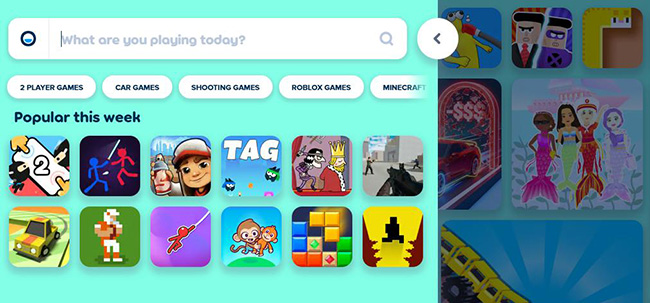
Best for: Casual gaming and quick entertainmentPoki offers thousands of free browser games covering nearly every genre, including racing, sports, action, adventure, puzzle, simulation, and multiplayer games. Its modern interface makes finding new games easy, and most titles launch instantly without creating an account.
Because Poki uses HTML5 technology, games perform well on school Chromebooks and other devices without requiring plugins or software installation. New games are added regularly, keeping the platform fresh for returning users.
Pros:- Massive game library
- Excellent mobile and Chromebook compatibility
- Fast loading speeds
- No registration required
Cons:- Advertisements appear between games
- Availability depends on school network restrictions
3. CrazyGames
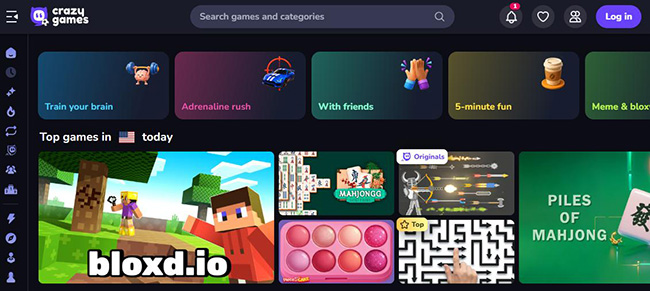
Best for: Action, racing, shooting, and multiplayer gamesCrazyGames is another excellent choice for students who enjoy modern browser games. The platform includes thousands of HTML5 games across dozens of categories, ranging from realistic driving simulators to cooperative multiplayer adventures.
One of CrazyGames' biggest strengths is performance. Most games launch quickly, run smoothly on mid-range Chromebooks, and support full-screen mode for a better gaming experience.
Pros:- Wide variety of high-quality games
- Regularly updated content
- No downloads needed
- Supports multiplayer experiences
Cons:- Some games contain more advertisements
- Certain action games may be blocked by school filters
4. Hooda Math
Best for: Educational puzzles and classroom-friendly gamesHooda Math combines entertainment with learning by offering games that strengthen logical thinking, problem-solving, geometry, arithmetic, and critical reasoning. Unlike traditional educational websites, many of its games feel like real adventures rather than classroom exercises.
Because the content is designed with students in mind, Hooda Math is often considered one of the safest gaming websites available for school use.

Pros:- Educational focus
- Very safe for students
- Works well on Chromebooks
- Free access
Cons:- Limited action or multiplayer games
- Visual design feels simpler than other gaming websites
5. GamePix
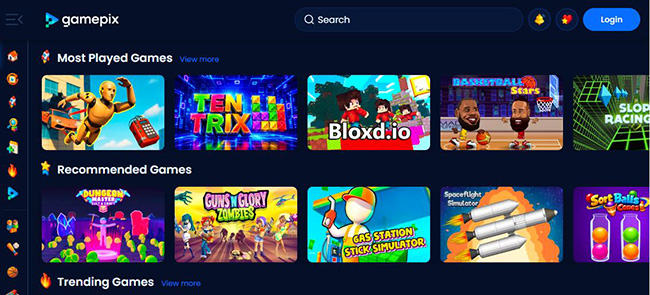
Best for: Fast-loading HTML5 browser gamesGamePix specializes in HTML5 games that require no downloads, Flash plugins, or installations. The website includes arcade, sports, puzzle, card, adventure, and simulation games that can be played directly from any modern browser. Its lightweight design allows games to load quickly, making it a good choice when using school Wi-Fi or older Chromebook models.
Pros:- Lightweight website
- Excellent browser compatibility
- No account needed
- Large collection of free games
Cons:- Some game categories are smaller than competitors
- Advertisements occasionally interrupt browsing
6. Y8 Games
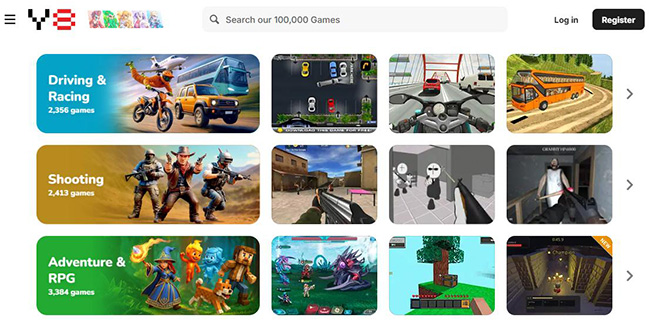
Best for: Multiplayer and community-based browser gamesY8 has been online for many years and remains one of the largest browser gaming communities. Besides thousands of HTML5 games, the platform also allows users to save progress, compete on leaderboards, and interact with other players through optional accounts.
Students who enjoy multiplayer games, sports games, dress-up games, or classic arcade experiences will find plenty of choices here.
Pros:- Huge game selection
- Multiplayer support
- Account system for saving progress
- Compatible with modern browsers
Cons:- Interface can feel busy for first-time visitors
- Some schools may restrict community features
7. Addicting Games
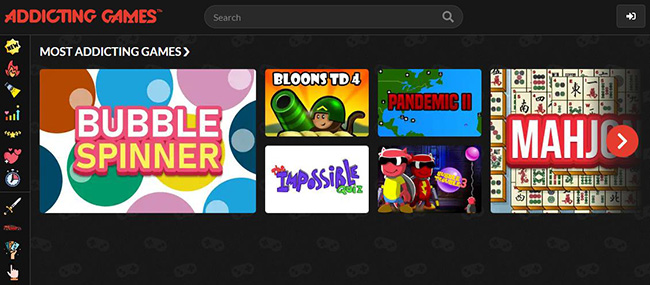
Best for: Classic arcade and casual gamesAddicting Games has been a favorite browser gaming platform for years, offering hundreds of free games across genres such as arcade, puzzle, sports, action, and strategy. Its clean layout makes it easy to discover new titles, and most games start with a single click.
Since the platform relies on HTML5 instead of outdated Flash technology, it works well on modern browsers, including school-issued Chromebooks. While some schools may block the site, it remains a reliable option where access is available.
Pros:- Large collection of classic and modern games
- No downloads or installations required
- Easy-to-use interface
- Frequent game updates
Cons:- Contains advertisements
- Some titles may take longer to load
8. Armor Games
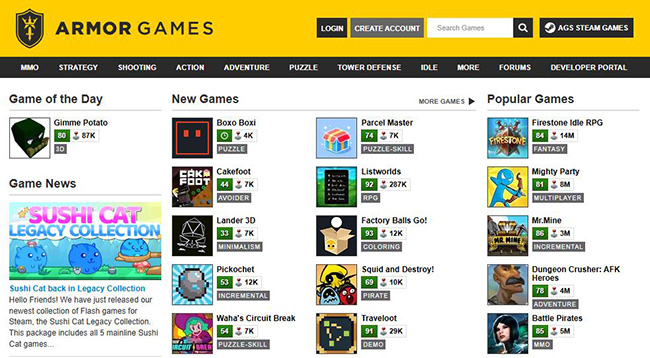
Best for: Strategy, tower defense, and adventure gamesArmor Games is well known for its collection of high-quality strategy and adventure games. Many of its titles feature engaging storylines, unique gameplay mechanics, and longer play sessions than typical browser games.
Although some older Flash games are no longer supported, the platform continues to offer a growing selection of HTML5 games that run smoothly on Chromebooks and other modern devices.
Pros:- High-quality strategy games
- Many exclusive titles
- Browser-based gameplay
- Suitable for experienced players
Cons:- Smaller library than some competitors
- Certain games require more powerful hardware
9. Kongregate
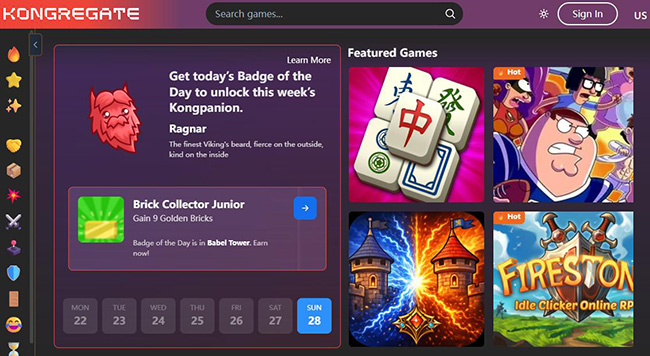
Best for: Indie browser gamesKongregate is one of the oldest browser gaming platforms and has built a reputation for supporting independent game developers. It offers hundreds of unique puzzle, RPG, idle, strategy, and simulation games that are difficult to find elsewhere.
Creating a free account lets players earn achievements and save game progress, but registration is optional for most titles.
Pros:- Unique indie games
- Achievement system
- Free to play
- No software installation
Cons:- Some older games are no longer available
- Fewer new releases than in previous years
10. PrimaryGames
Best for: Elementary students and educational entertainmentPrimaryGames is designed primarily for younger students. In addition to educational activities, it offers seasonal games, puzzles, coloring pages, and simple arcade titles that are appropriate for classrooms and family use.
Teachers and parents often recommend PrimaryGames because the content is age-appropriate and easy to navigate.

Pros:- Safe for younger students
- Educational and entertaining
- Works well on Chromebooks
- Free access
Cons:- Limited appeal for older students
- Fewer action games
11. Solitaire Bliss
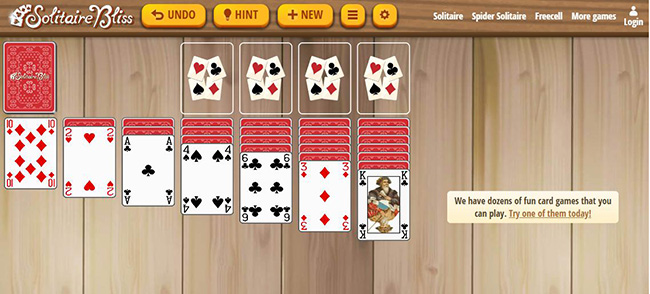
Best for: Card gamesIf you enjoy relaxing games instead of fast-paced action, Solitaire Bliss is an excellent choice. The site features dozens of card games, including Solitaire, Spider Solitaire, FreeCell, Hearts, and Mahjong.
Its minimalist design loads quickly even on slower internet connections, making it ideal for short breaks between classes.
Pros:- Ad-light interface
- Fast loading
- Multiple card game variations
- No account required
Cons:- Limited to card and board games
- Not suitable for players seeking action titles
12. Chess.com
Best for: Chess practice and strategyChess.com is one of the world's most popular chess platforms, allowing users to play against friends, random opponents, or computer AI directly from a browser. It also includes daily puzzles, lessons, tournaments, and game analysis for players of every skill level.
Because chess is widely recognized as an educational activity, some schools may allow access even when other gaming websites are restricted.
Pros:- Improves strategic thinking
- Multiplayer and AI modes
- Works on browsers and mobile devices
- Free plan available
Cons:- Some learning features require a Premium subscription
- Requires an account to track progress
What Makes a Good Game Site for School?
Not every gaming website is suitable for students or school devices. A quality game site should provide a safe, smooth, and accessible experience without requiring unnecessary downloads or exposing users to excessive advertisements.
Here are a few features to look for:
- Browser-based gameplay: Games should run directly in Chrome, Edge, Safari, or other modern browsers.
- HTML5 support: HTML5 games offer better compatibility than older Flash-based games.
- No downloads required: Installing software is often restricted on school computers.
- Safe browsing: Choose reputable websites that use HTTPS and avoid suspicious pop-ups.
- Chromebook compatibility: Many schools use Chromebooks, so games should work well on ChromeOS.
- Reasonable advertising: Too many ads can negatively affect the user experience.
Selecting trusted gaming platforms helps reduce security risks while providing a smoother gaming experience.
Why Are Some Game Sites Blocked at School?
Many students wonder why gaming websites work at home but not on school networks. In most cases, the restrictions are intentional rather than technical issues.
Schools often block gaming websites for several reasons:
- Reduce classroom distractions
- Keep students focused on learning
- Protect younger users from inappropriate content
- Prevent access to potentially unsafe websites
- Reduce network bandwidth usage during school hours
Some schools also use web filtering systems that automatically categorize gaming websites, meaning even safe platforms may be unavailable depending on local policies.
Tips for Playing Games Safely at School
If your school allows recreational gaming during breaks, it's still important to browse responsibly.
Here are a few practical tips:
- Respect your school's internet usage policies.
- Avoid downloading files from unfamiliar websites.
- Never share personal information while playing online.
- Close any suspicious pop-up advertisements immediately.
- Use trusted websites with secure HTTPS connections.
- Balance gaming with schoolwork and other responsibilities.
Safe browsing habits help protect both your personal information and your school-issued device.
How to Unlock Restricted Game Sites on School iPad
If you want to view more restricted game websites on your school iPad without limitations, using a third-party tool to remove MDM profiles on your school iPad can be the optimal choice. TunesKit iPhone Unlocker is a comprehensive iOS unlocking tool that can help you remove MDM restrictions on your school iPad.
Besides removing MDM profiles, TunesKit iPhone Unlocker can also help iOS users unlock iOS screen, bypass Screen Time passcode, and remove Apple Account on iOS device. With the concise and user-friendly interface, users can easily meet their needs without encountering any hassles.
Key Features of TunesKit iPhone Unlocker
Quickly unlock iOS devices in different scenarios. It can remove Apple Account and Activation Lock without passcode easily, or bypass MDM and Screen Time passcode without losing data.
 600,000+ Downloads
 View Also: How to Get App Store on School iPad
FAQs About Game Sites for School
-
Can I play games on a school Chromebook?
Yes. Many HTML5 gaming websites are compatible with Chromebooks. However, whether you can access them depends on your school's internet restrictions.
-
Do these websites require downloads?
No. All of the websites listed above allow you to play games directly in your web browser without installing additional software.
-
Are these game sites free?
Most games are completely free to play. Some websites also offer optional premium memberships or additional features.
-
Why does a game website work at home but not at school?
Schools often use web filtering software that blocks categories such as gaming, social media, or streaming services to reduce distractions and improve online safety.
-
Are browser games safe?
Reputable gaming websites are generally safe to use. To minimize risks, avoid unknown websites, misleading advertisements, and any game that asks you to download files.
Conclusion
Finding enjoyable game sites for school is easier than ever thanks to the growing number of browser-based gaming platforms. Whether you prefer puzzle games, strategy challenges, arcade classics, educational activities, or competitive multiplayer experiences, the websites above offer something for every type of player while remaining compatible with most modern browsers and Chromebooks.
Remember that availability varies by school, and it's always important to follow your school's internet usage policies. By choosing trusted, browser-based gaming websites instead of unfamiliar alternatives, you can enjoy a safer, faster, and more reliable gaming experience during your free time.